

Draw a place once, know who went in
Draw your sites, stores and customer locations on the map, or type a neighbourhood's name to get its boundary. The platform alerts you when a vehicle enters or leaves.
Boundaries by name
Type the name of a neighbourhood, city, factory or university and its real boundary appears, ready to adjust and save.
Entry and exit alerts
Pick the zone in an alert rule and you are notified when a vehicle enters or leaves it, or stays too long at a point.
Shared, not editable
Your zones appear to your sub-accounts on the map and in alerts, reports and tasks, but they cannot change them.
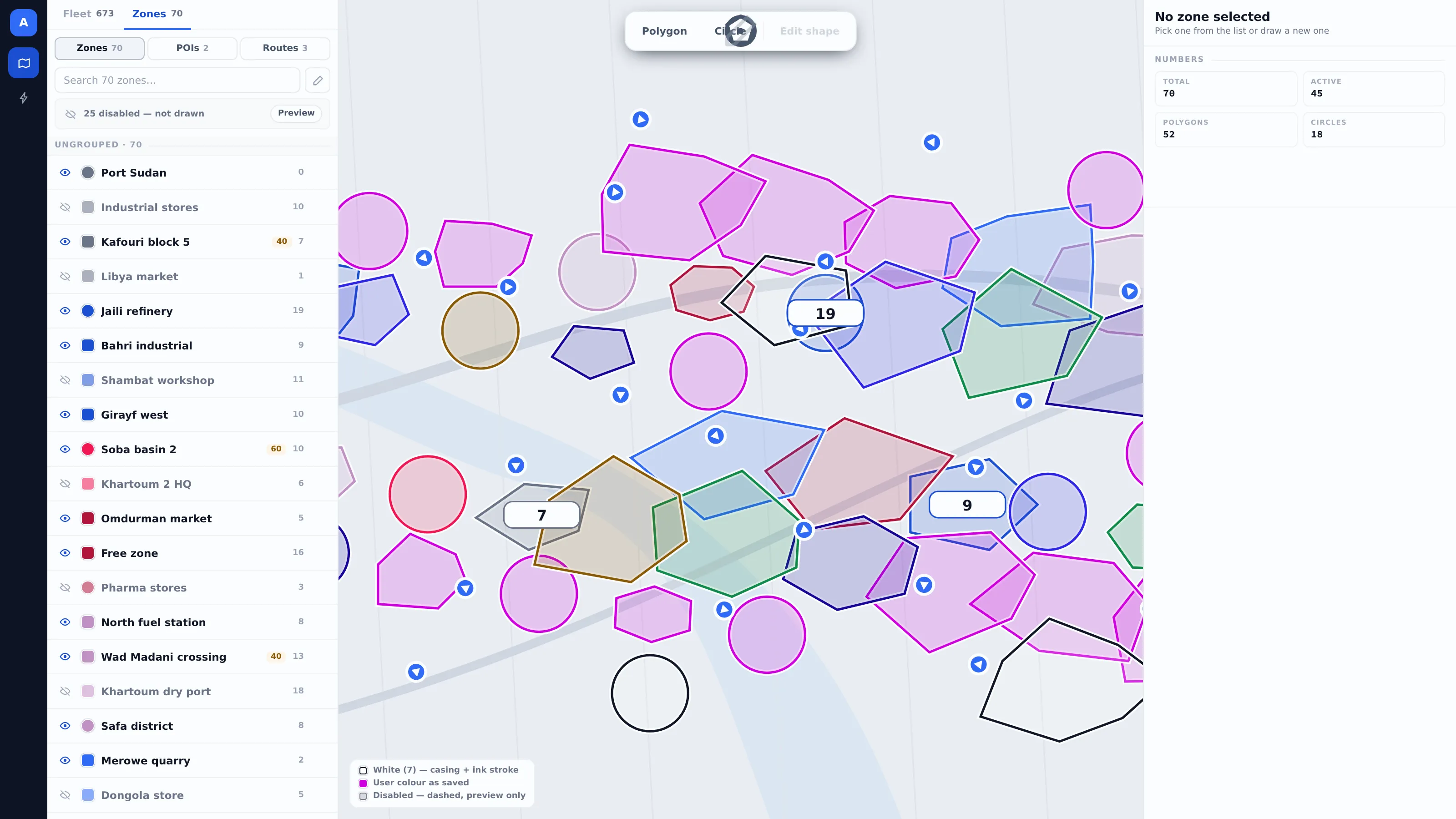
Draw a polygon or a circle
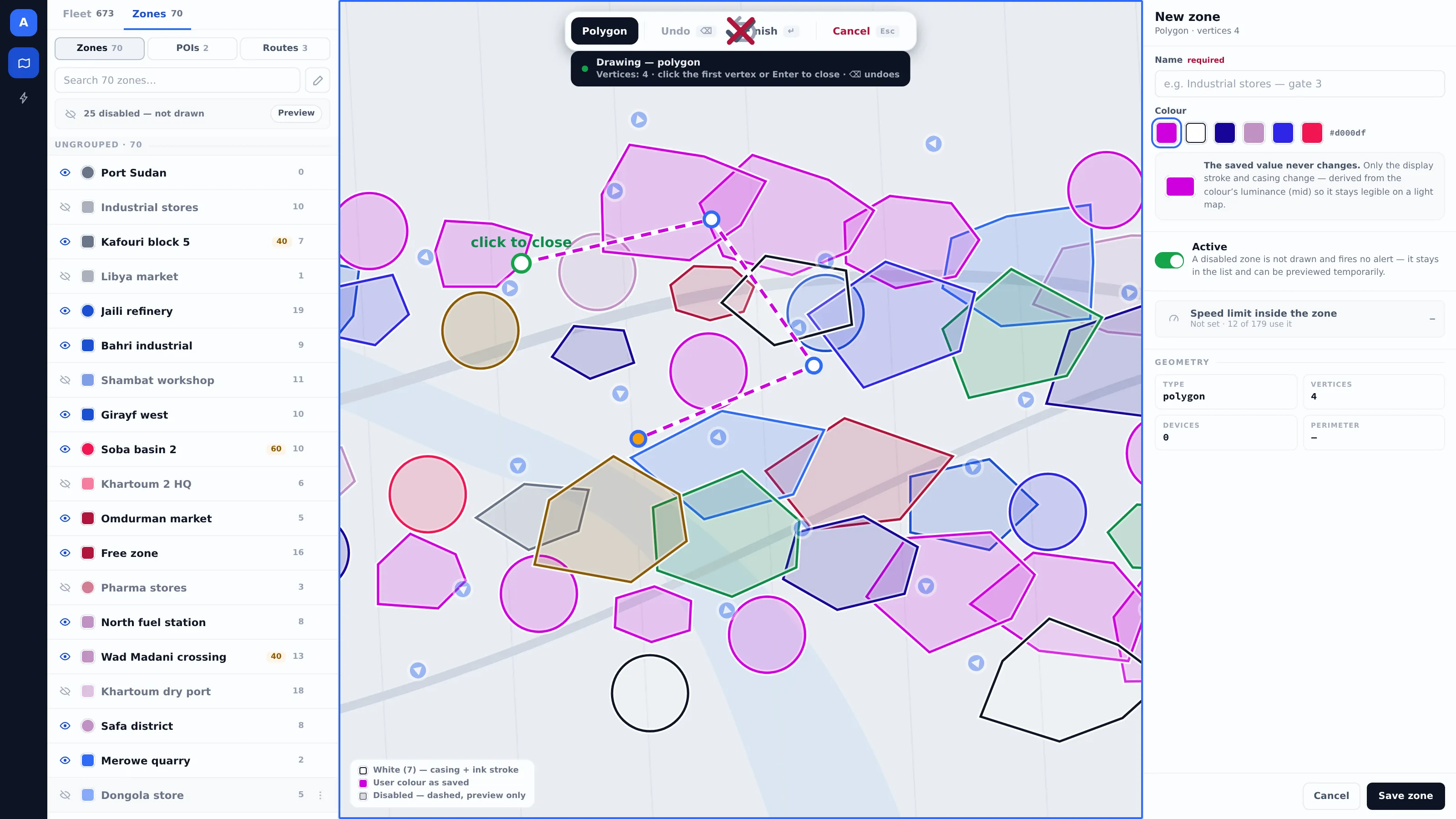
Draw a zone on the map vertex by vertex, or as a circle with a centre and radius, then drag the vertices to adjust the shape. Each zone has a name and colour, and a speed limit inside it if you want one.
- Draw with the keyboard too, and undo the last vertex
- A disabled zone is not drawn and fires no alert
- A category for each zone, with a contact phone and address
- Search your zones and gather them into groups
Points and routes beside your zones
Add points for your customers and stations, each with a type and an arrival radius. Draw a route, plan a trip with clicks on the map, or take it from the track of a vehicle that drove it.
- The platform orders trip stops along the roads
- An alert when a vehicle leaves its route
- An alert when a vehicle stays too long at a point
- An automatic fence around a parked vehicle
Import and export your zones
Bring zones, points and routes from another system in common file formats, and export them whenever you like. Every new account starts with a ready set of public places and alerts.
- Zones: KML and GeoJSON
- Points: CSV, KML, GPX and GeoJSON
- Routes: KML
Reports on who visited what
See each vehicle's visits to each zone and how long they lasted, the zones nobody visited, and trips from one zone to another.
- Zone visits summary
- Zone entry and exit
- Zones not visited
- Customer and address visits
- Nights away from the depot
Frequently asked questions
Do I have to draw every zone by hand?
No. Type the name of a neighbourhood, city or factory to get its boundary, or import your zones from a KML or GeoJSON file.
What happens to a zone I disable?
It is not drawn on the map and fires no alert. It stays in the list so you can preview it or switch it back on.
Can a sub-account see my zones?
Yes, if you share them. They see them on the map and in alerts, reports and tasks, but cannot edit them.
Can I find zones my vehicles never visited?
Yes. The “Zones not visited” report lists every zone that no vehicle entered in the period you choose.
Related pages
Live map
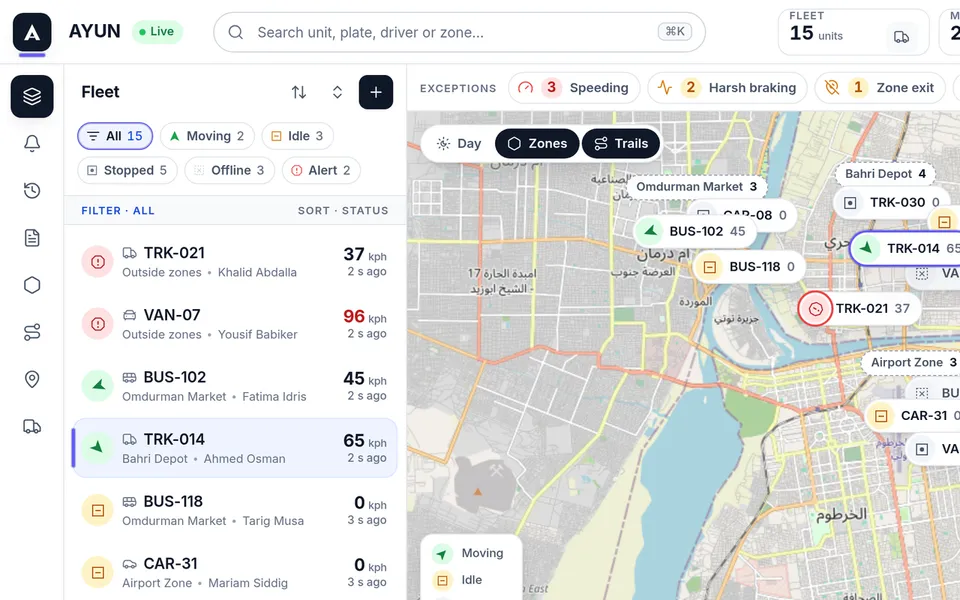
Every vehicle where it is now, with its status and driver, plus exceptions and history on the same screen.
Learn more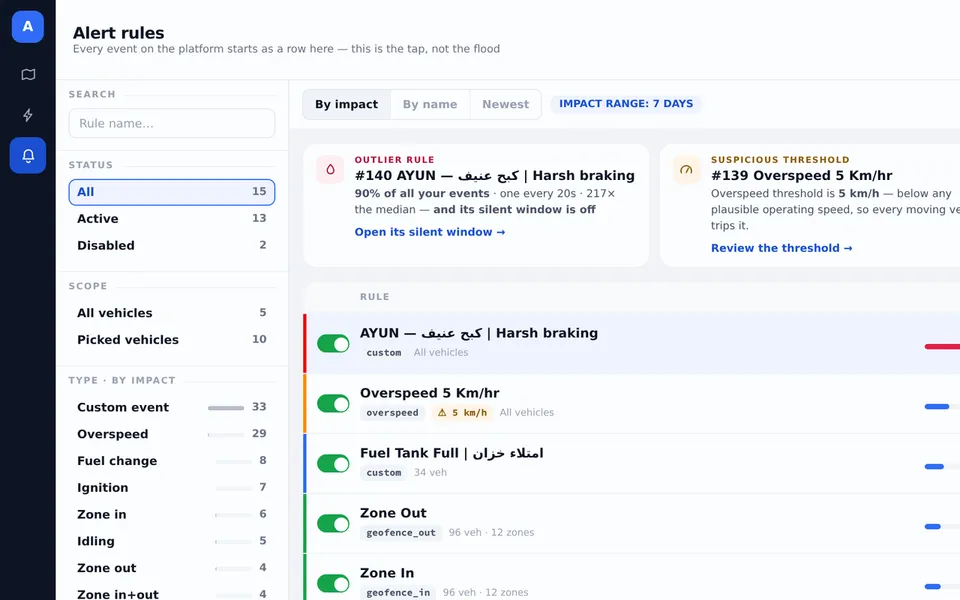
Alert management
Alerts with the types and channels you choose, each rule's impact in view, and fewer repeats reaching your team.
Learn more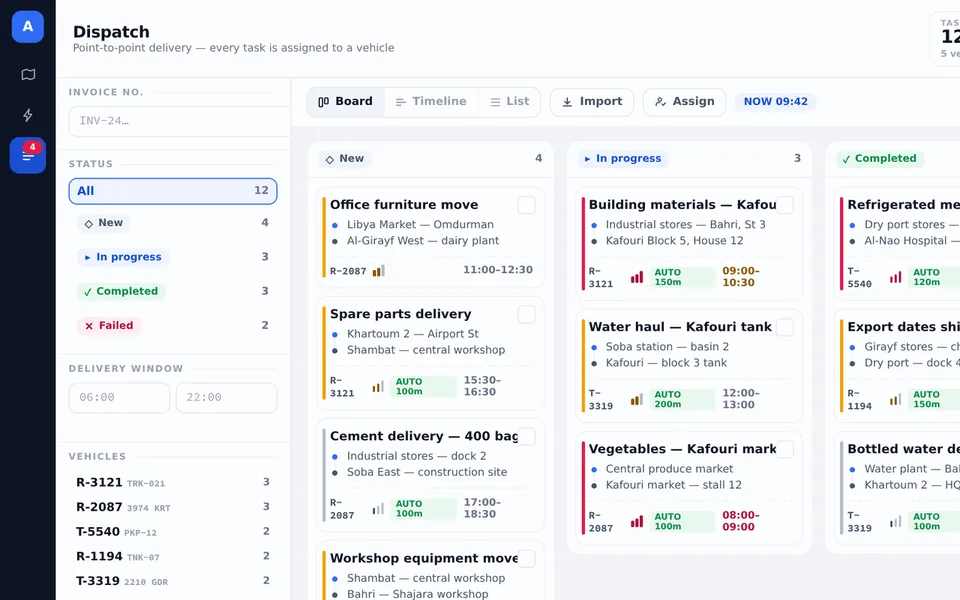
Tasks and dispatch
A board for delivery tasks, multi-stop jobs, planned delivery routes, and field jobs for technicians.
Learn more


Book a demo of the platform on your fleet
We'll call you within one working day to set a time, then show you the platform on vehicles like yours.
We've received your request, and we'll call you within one working day.
Want a faster reply? Message us on WhatsApp +249 123 910 470