

Alerts worth reading
Choose what is watched, who is told and how. See how many events each rule produced, and find the one flooding your team before they ignore every alert.
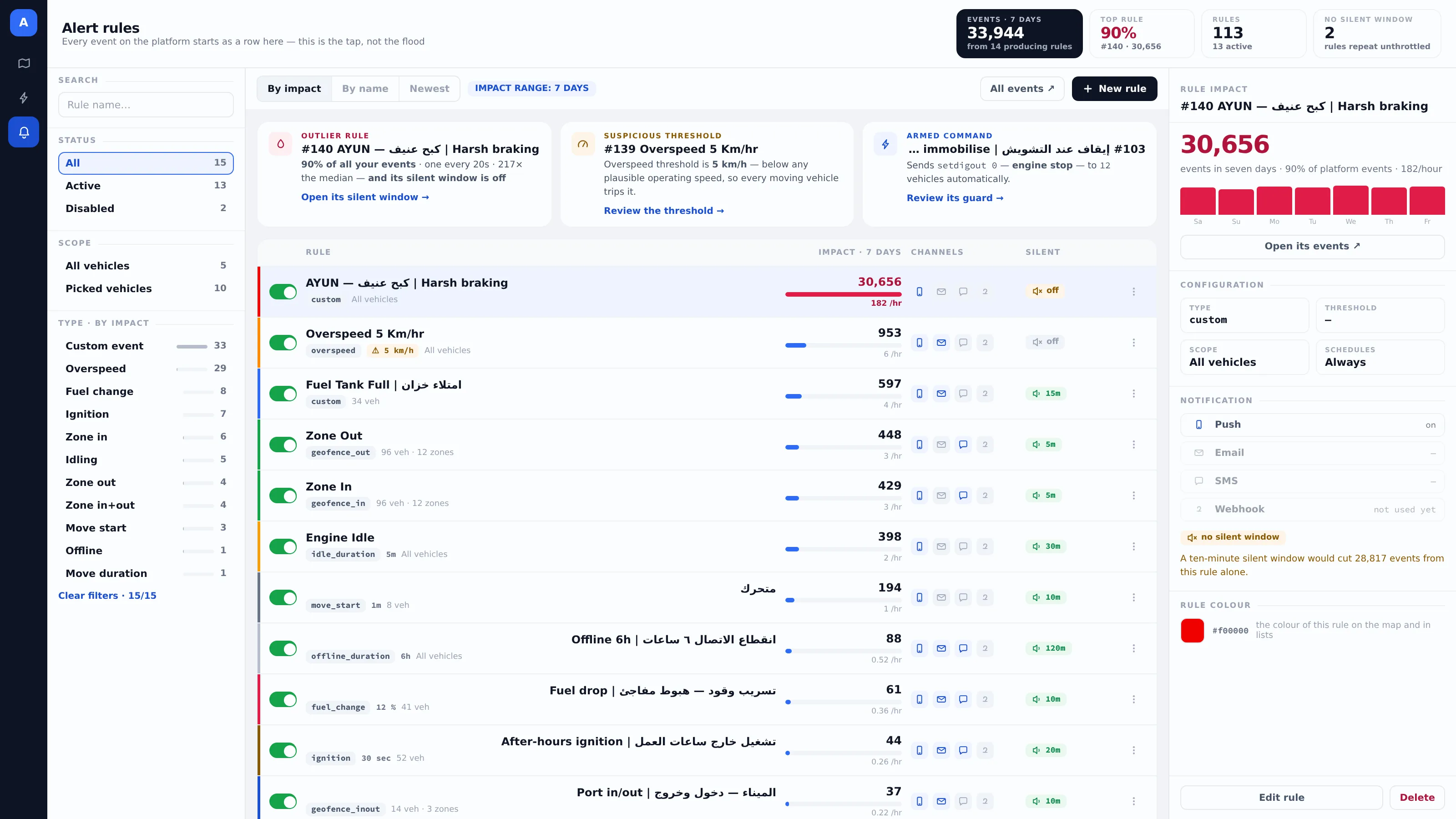
Every rule's impact
Rules are ranked by how many events they produced, and a rule flooding the account rises to the top with a warning card.
A tested silent window
Before you save a silent window, the platform replays the rule on its past days and shows how many notifications it would have cut.
A procedure for every alert
Write what the operator on duty should do, and the alert escalates by e-mail if nobody acknowledges it in the time you set.
See every rule's impact
Each row shows how many events the rule produced in recent days, its channels, scope and status. The list is ranked by that impact, so the rule flooding your account sits at the top.
Above it, cards point to what needs a review: an outlier rule producing a large share of events, a suspicious speed threshold, and a rule armed to send a command to the device.
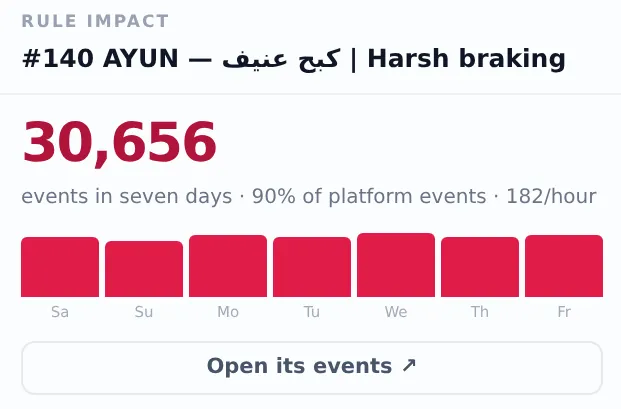
A new rule in clear steps
Pick the type first, and only its own threshold appears. Then the name and colour, the vehicles or zones, the days and hours, and the channels: a pop-up in the platform, a push on the mobile app, e-mail and SMS. The platform sums up the rule in one plain sentence before you save it.
Choose from more than 40 alert types, and give each rule a low, medium or high severity.
- Speeding, and going over the road's own limit
- Harsh driving, crashes and daily driving hours
- Entering or leaving zones, and leaving a route
- Jamming, towing and low battery
- Confirmed fuel fills and drains, loading and unloading
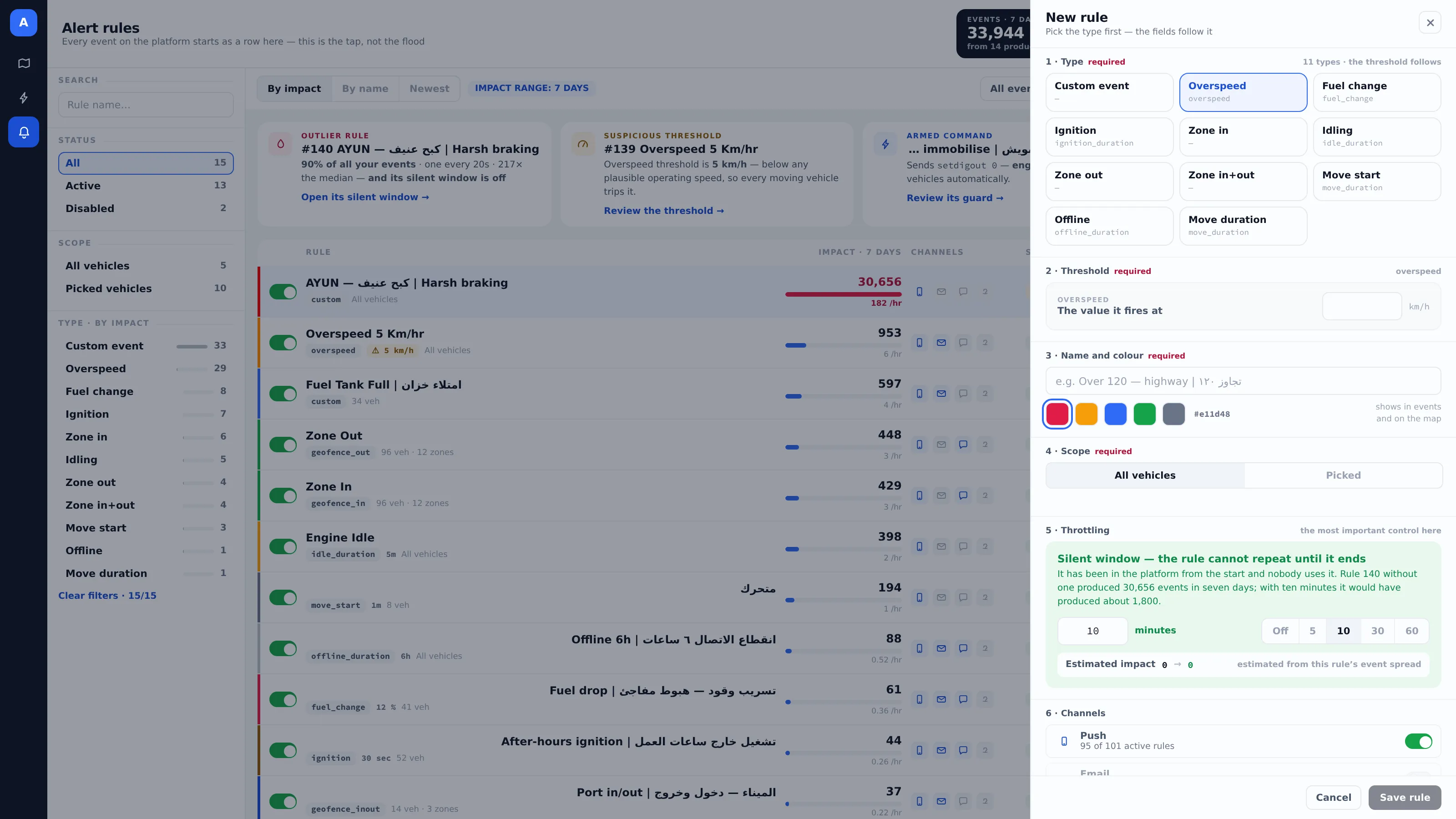
A silent window you test first
A rule that repeats every minute floods your team until they ignore every alert. A silent window stops the notification repeating until it ends. Before you save it, the platform replays the rule on its past days and shows how many notifications it would have cut.
The events themselves are all kept, and muted repeats are hidden from event lists only.
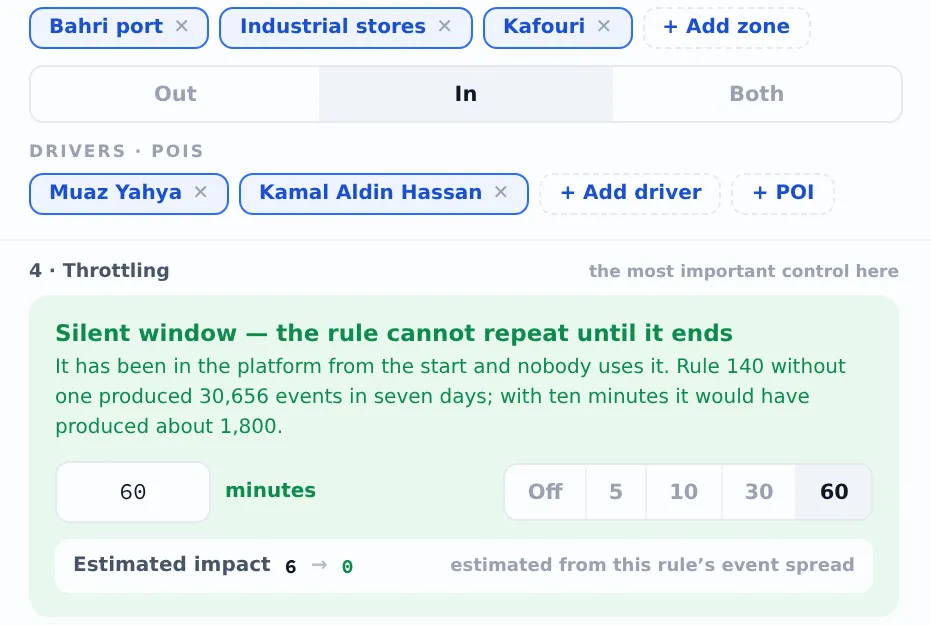
A rule that sends a command
A rule can send a command to the device when it fires, such as stopping the engine. A rule armed with a command stands out in the list, so it never passes unseen.
Stopping an engine manually from the platform requires typing the plate. You can also require a verification code sent by e-mail or SMS.
What should the operator do?
Write each rule's procedure once: what the operator on duty should do, and whether the event must be closed. If nobody acknowledges the alert in the time you set, it escalates by e-mail to the people you choose. High-severity alerts carry their severity in the e-mail subject.
Ready-made reports show how your team responds:
- Alert response time
- Open alerts
- Alert closures by outcome
- Alerts by severity
Frequently asked questions
How do alerts reach me?
As a pop-up in the platform, a push on the mobile app, an e-mail or an SMS. You choose the channels for each rule.
Does muting repeats delete anything?
No. It stops repeat notifications and hides repeats from lists. Every event is kept.
Can I limit a rule to working hours?
Yes. Set the days and hours each rule works, and the vehicles and zones it covers.
Can the platform alert on a road's own speed limit?
Yes. It knows the limit of the road a vehicle is on, and alerts you when the vehicle goes over it. You set the margin and how long it must last, and you can edit any road's limit yourself.
Related pages
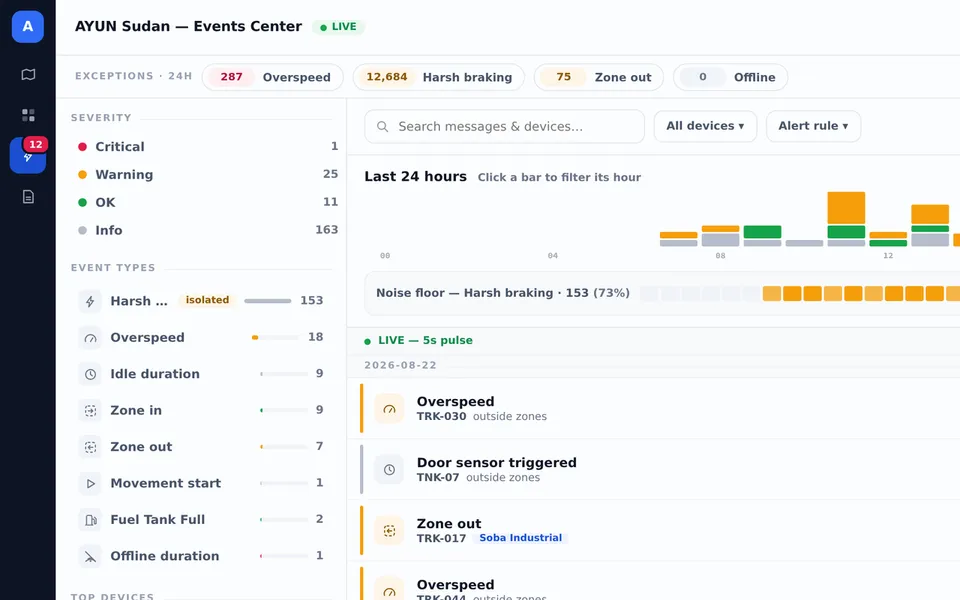
Events centre
Every fleet event as it happens, with the noise set aside, full details, and alerts closed with an outcome.
Learn more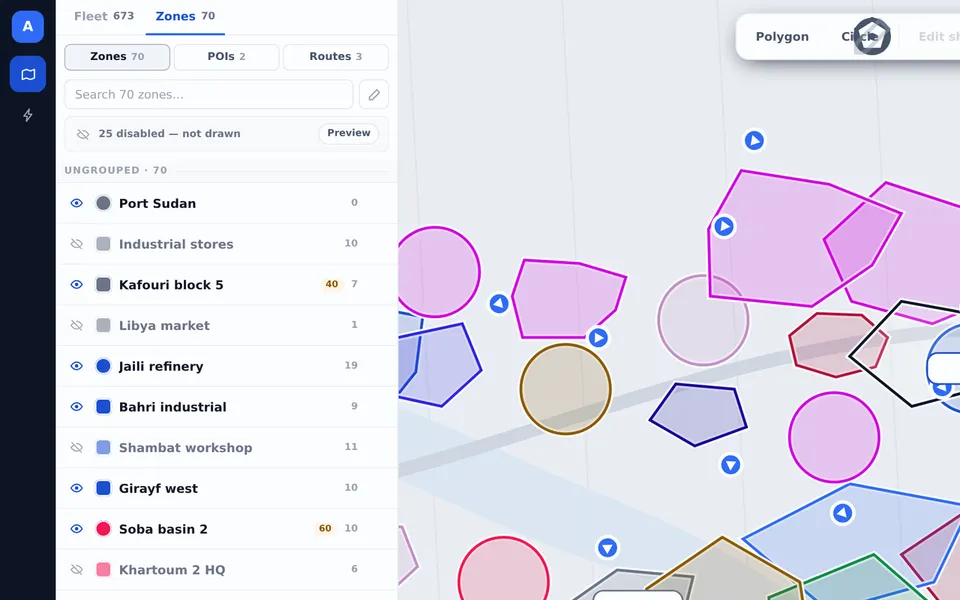
Zones
Zones you draw or import, points for your customers, routes, and alerts and reports on entry and exit.
Learn more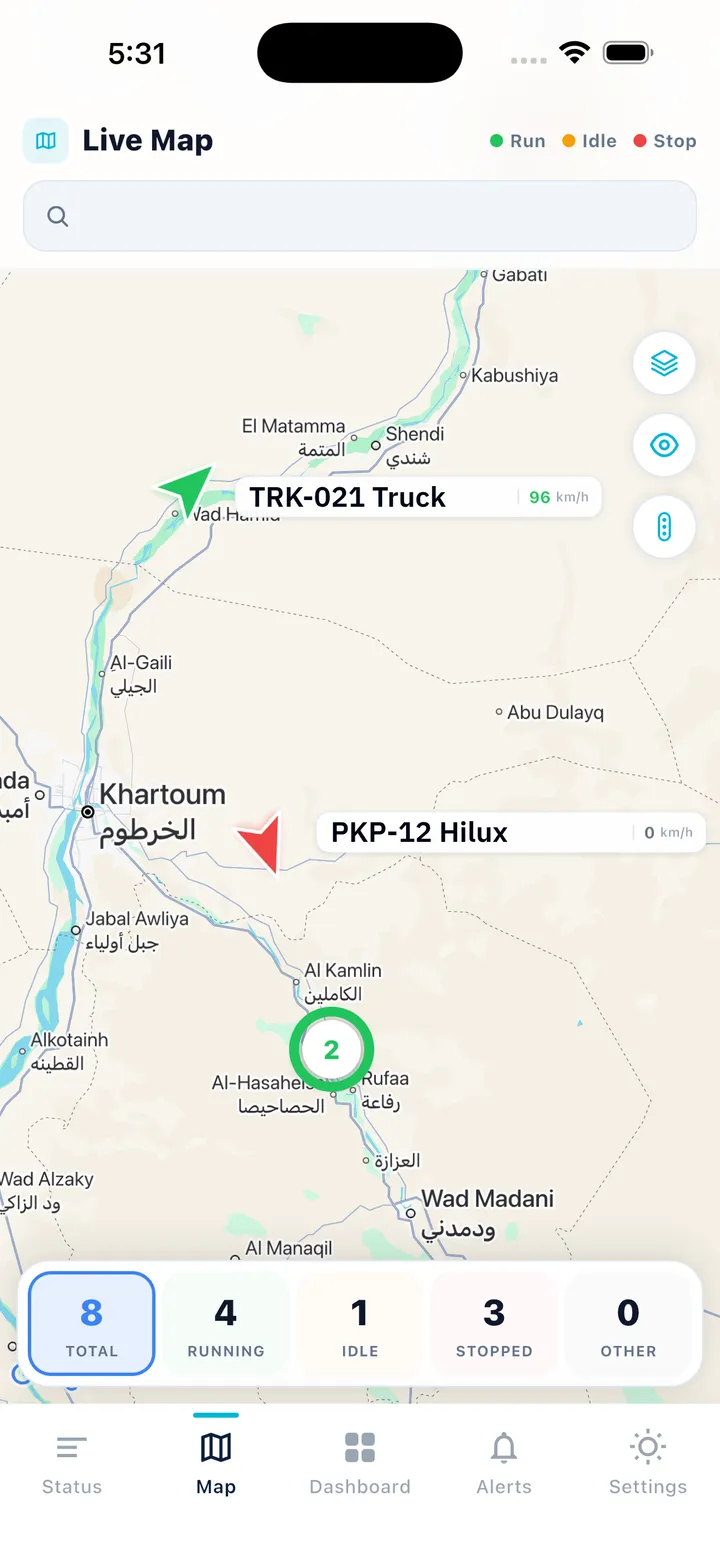
Apps
The Ayun app for iPhone and Android, a driver app, and a technician page with nothing to install.
Learn more


Book a demo of the platform on your fleet
We'll call you within one working day to set a time, then show you the platform on vehicles like yours.
We've received your request, and we'll call you within one working day.
Want a faster reply? Message us on WhatsApp +249 123 910 470