

Know where every task stands, without a call
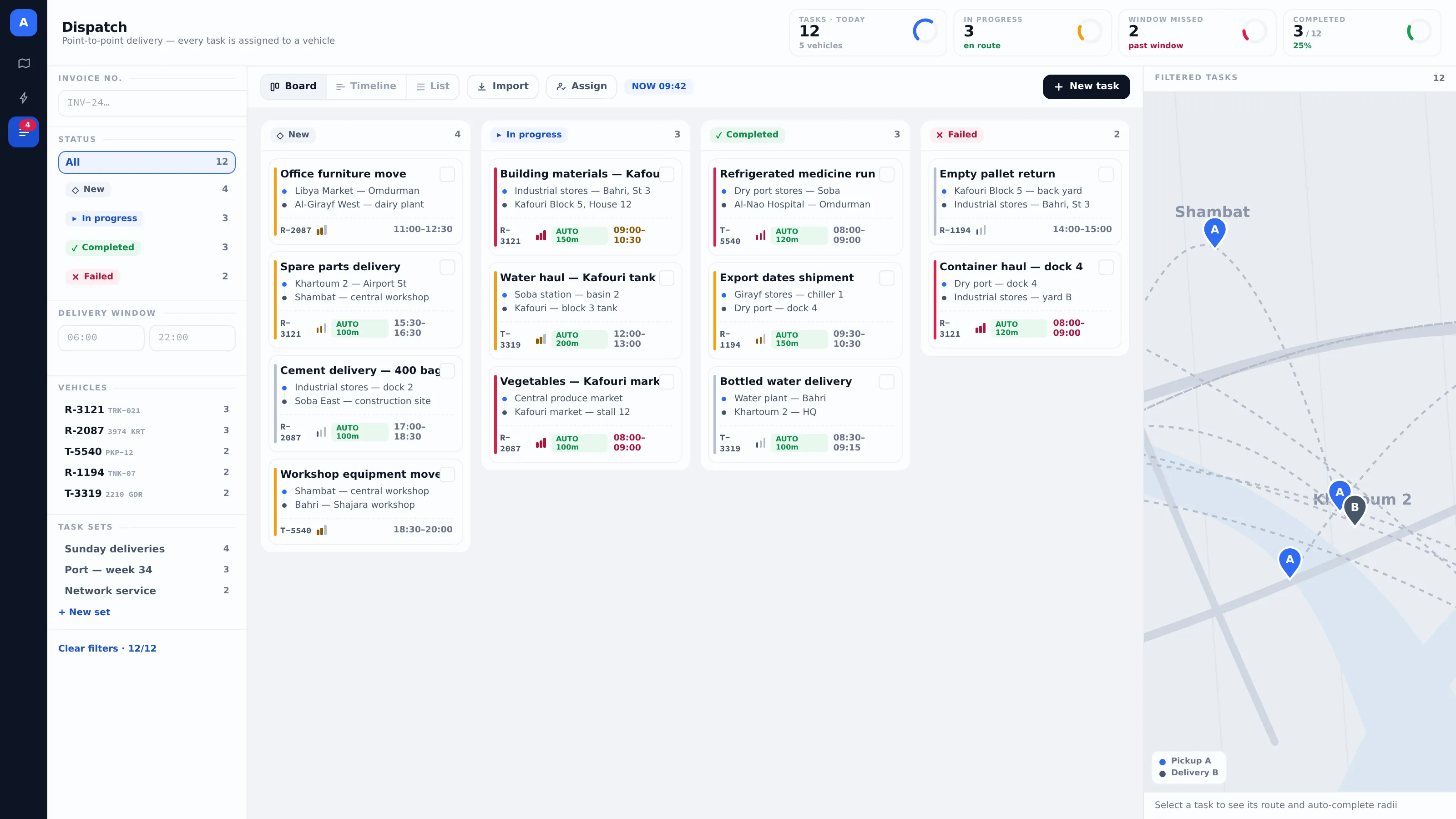
Assign tasks to your vehicles and follow them on one board: new, in progress, completed, failed. A task moves forward on its own when the vehicle arrives.
Moves on arrival
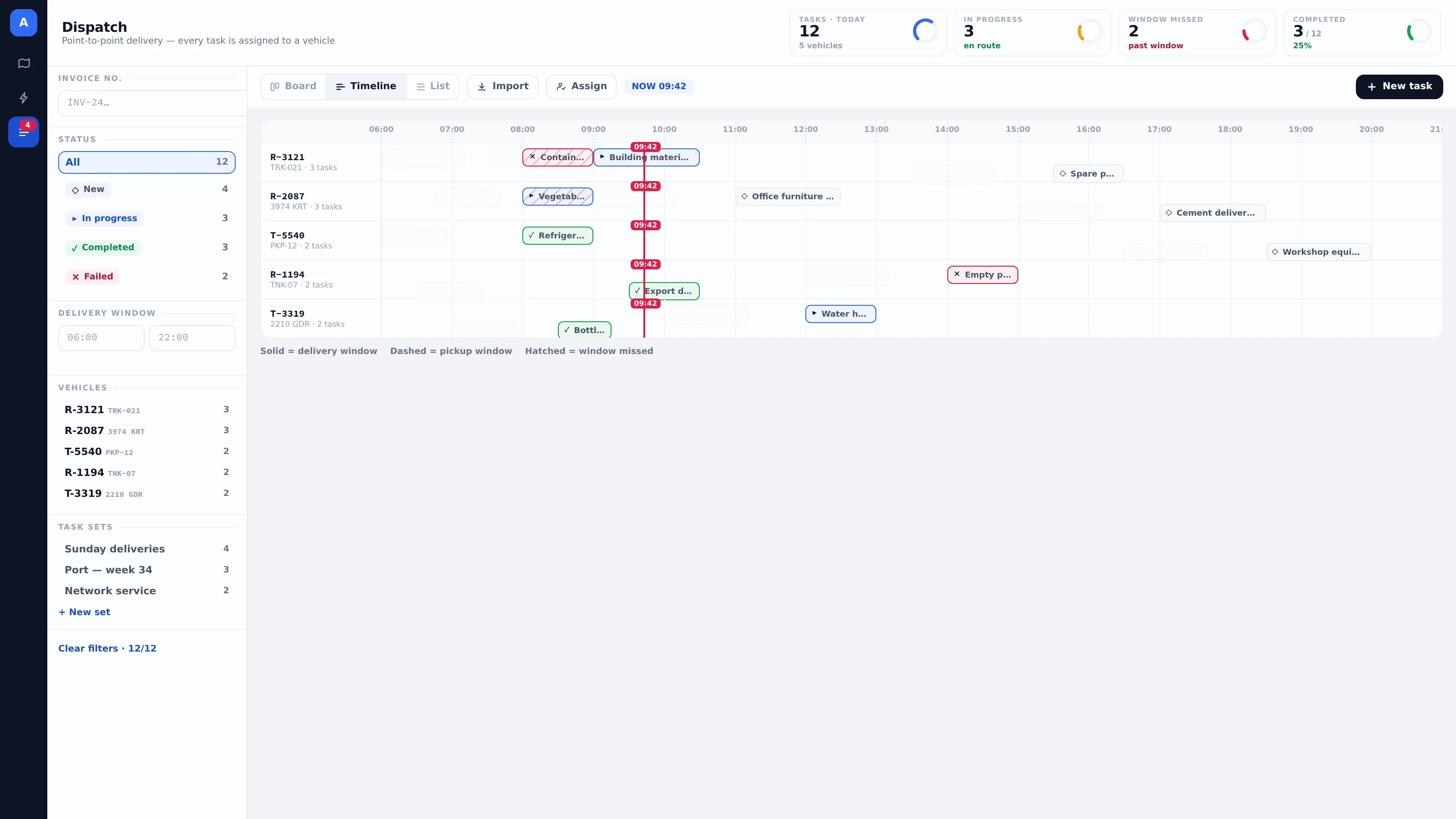
Each pickup and delivery point has a radius and a dwell time. Once the vehicle stays inside, the task moves on and the change is logged.
Proof of delivery
Drivers close the task in their app with the recipient's signature and delivery photos, and the proof stays with the task.
A link for your customer
Your customer follows the order and its expected arrival from a link they receive, with no account on the platform.
Each vehicle's day on a timeline
The timeline lays out each vehicle's tasks across the hours of the day, with a line for the current time. You see who has missed a delivery window before the customer calls you.
- A board with status columns, a timeline and a list
- Filter by vehicle, status, invoice number and delivery window
- Import tasks from a file and assign them to vehicles
- Task sets to filter the board
The whole task in one drawer
Open a task to see its pickup and delivery points with their windows, the auto-complete state at each end, and the status history with who changed it and when. Closing a task by hand asks for the recipient's signature.
Multi-stop jobs and convoys
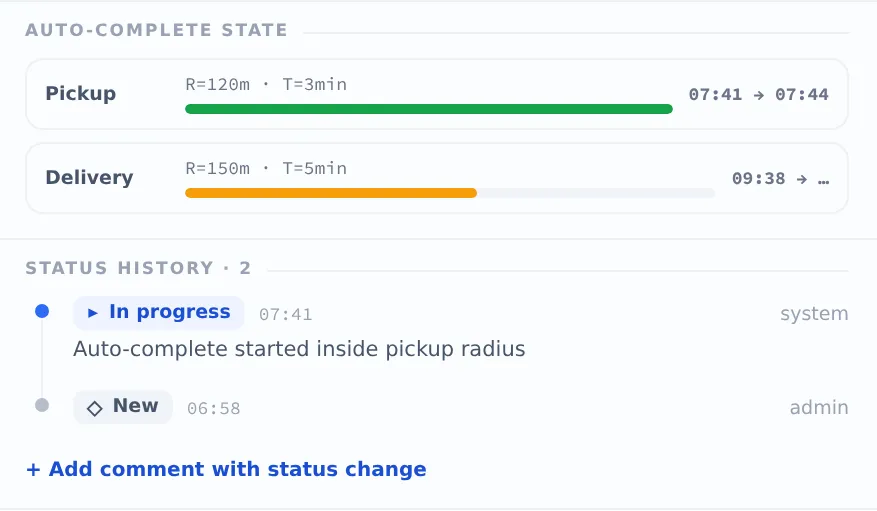
Build a job from stops picked on the map or from your zones and points, each with its radius, dwell time and arrival window. The platform orders the stops along the roads to shorten the distance.
- Detects departure, arrival, lateness and missed stops
- Alerts you if a vehicle leaves the route or the convoy splits
- Jobs that repeat daily, weekly or monthly
- Save a past trip as the approved route
The daily delivery plan
Enter or import the day's orders and the platform spreads them across your vehicles by weight, volume, customer windows and shifts. Review the routes, move orders between them, then send them to the drivers.
- Economical, balanced or fast distribution
- An expected arrival time updated from the vehicle's position
- A notice to your customer when the order is on its way and when it is delivered
- Reports on punctuality, failure reasons and cash collected
Technicians in the field
Technicians receive their job link by text message or e-mail and work on it from their phone's browser, with no login. They accept the job, head out, start and finish, with photos of the result.
- Field forms that can only be sent from the job site
- Check-ins with location and photos
- Work statuses for each technician, and how their time splits
- Field-service reports
Frequently asked questions
Do drivers need an app?
Drivers receive their tasks in the driver app and close them with a signature and photos. Technicians work from a link in their phone's browser, with nothing to install.
How does the platform know a task has moved on?
You set a radius and a dwell time for each point. When the vehicle stays inside the radius for that time, the task moves forward on its own, or the driver closes it with the recipient's signature.
Can my customer follow their order?
Yes. They receive a link showing the order's stages and expected arrival time, with no account on the platform.
Can I import orders from a file?
Yes. Import orders from a CSV file with Arabic or English column headings, and every faulty line is shown with its reason.
Related pages
Zones
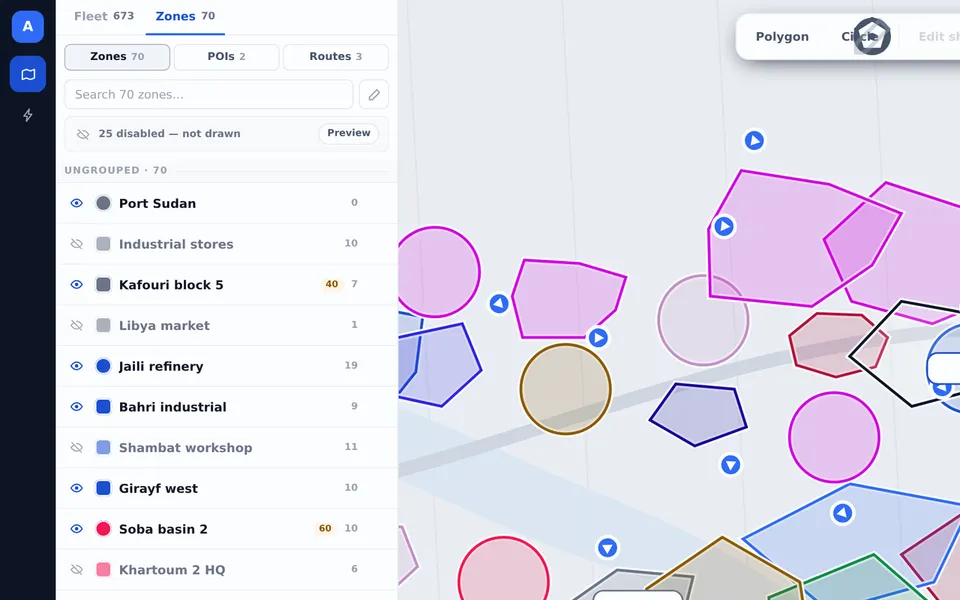
Zones you draw or import, points for your customers, routes, and alerts and reports on entry and exit.
Learn more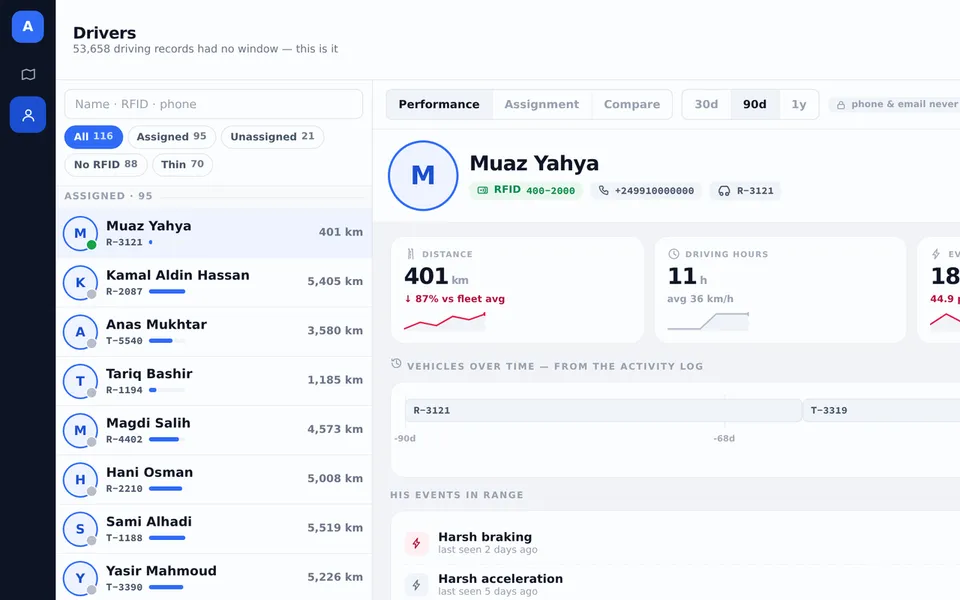
Drivers
Who drove each vehicle and when, how they drove, and a full file for every driver with their documents.
Learn more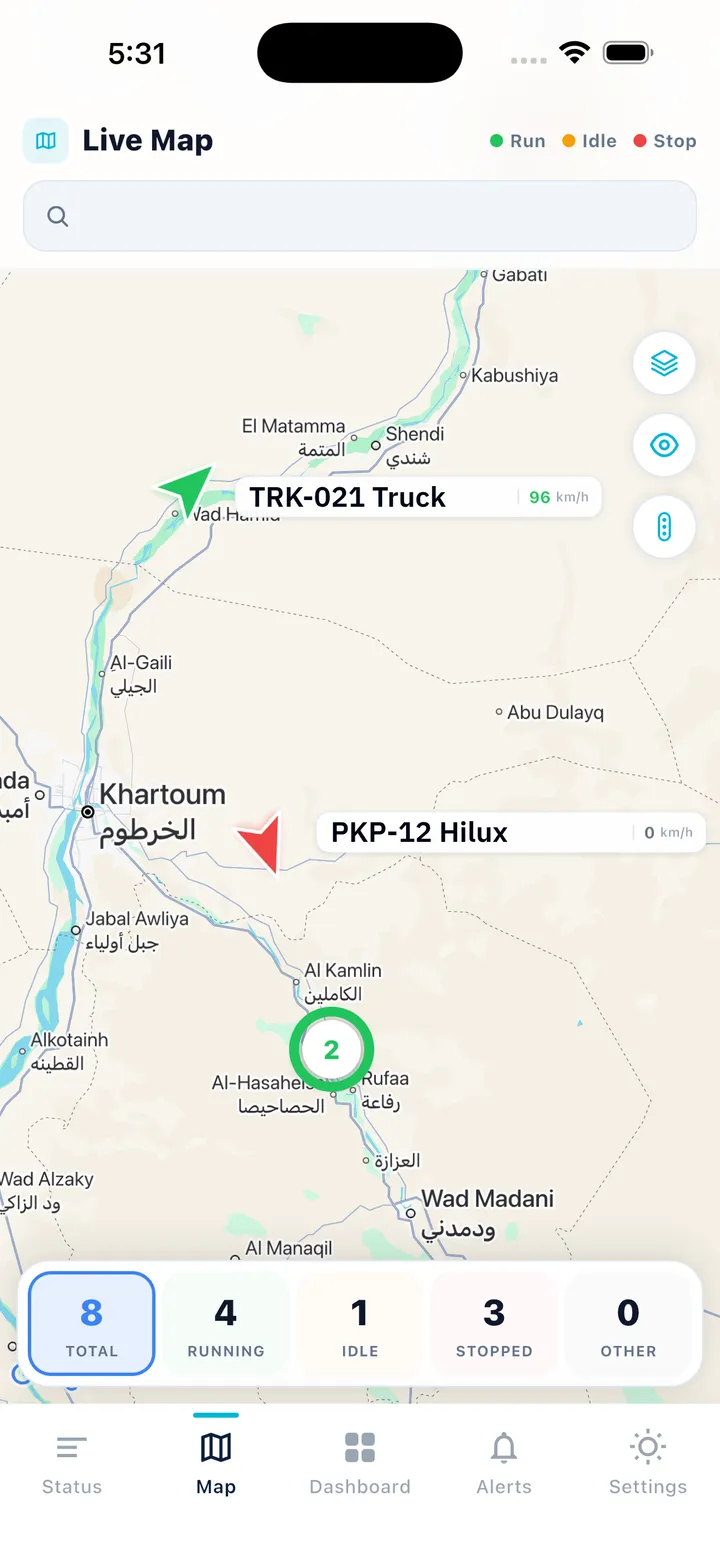
Apps
The Ayun app for iPhone and Android, a driver app, and a technician page with nothing to install.
Learn more


Book a demo of the platform on your fleet
We'll call you within one working day to set a time, then show you the platform on vehicles like yours.
We've received your request, and we'll call you within one working day.
Want a faster reply? Message us on WhatsApp +249 123 910 470