

Everything about a vehicle, in one file
Camera photos and videos sorted by day, the vehicle's documents with their expiry dates, and one page that gathers everything the platform knows about it.
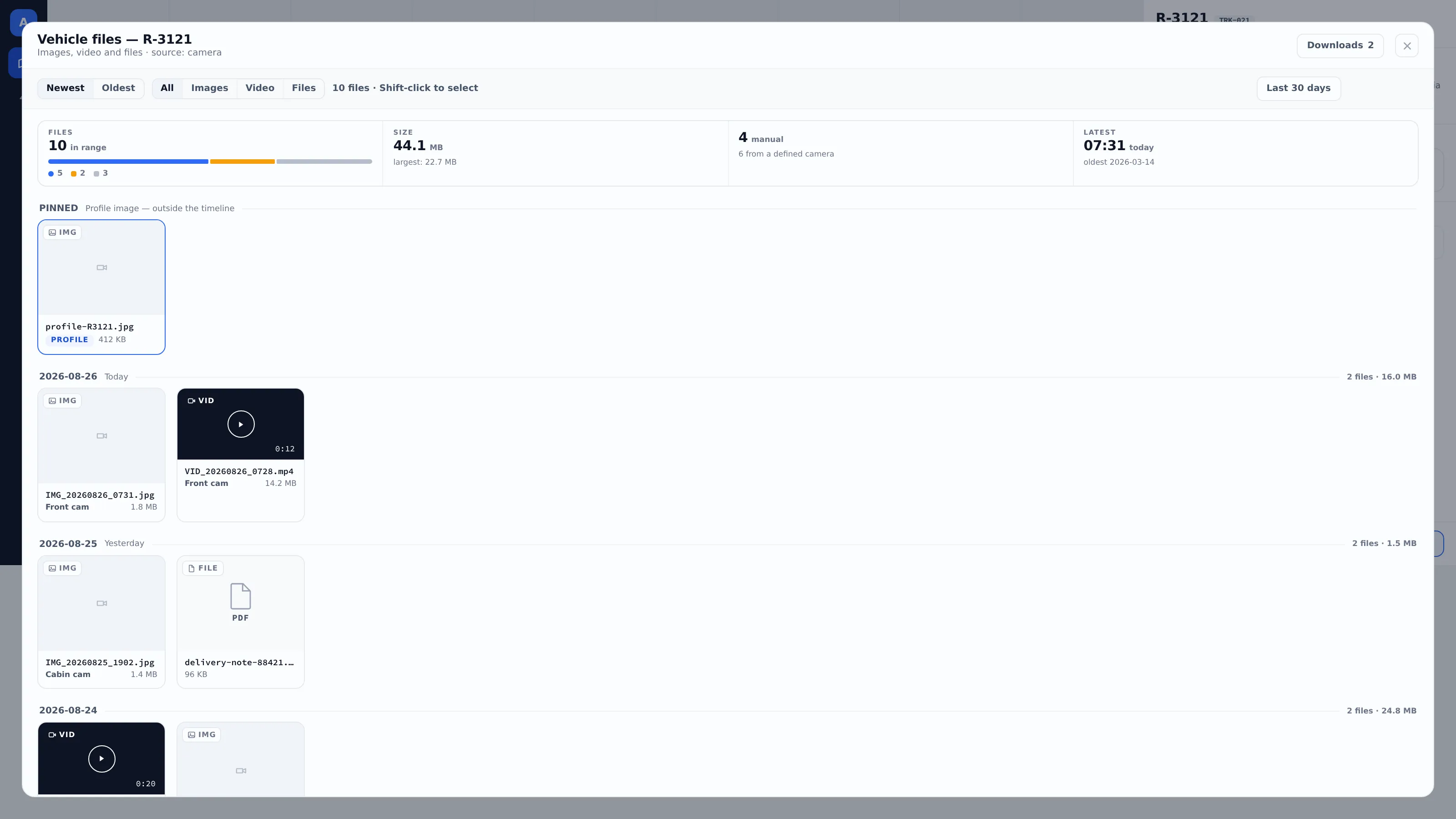
Ask for a photo now
From the files window, send the vehicle's camera a command to take a photo, and the photo arrives in its files.
Documents that read themselves
Upload the vehicle's licence or insurance and the platform reads its number and expiry date, filling in the form for you to check and save.
Reminded before expiry
You get an e-mail before any vehicle or driver document expires, and its renewal shows on the maintenance page.
Photos, video and files, day by day
Open a vehicle's files to see what its cameras sent, sorted by day: photos, videos and files, each with its camera and size. Filter by type and period, and sort by newest or oldest.
- Preview inside the window, with a strip to move between files
- Select several files to download or delete
- Downloads prepared in the background while you work
- A marker in the vehicle panel when it has files
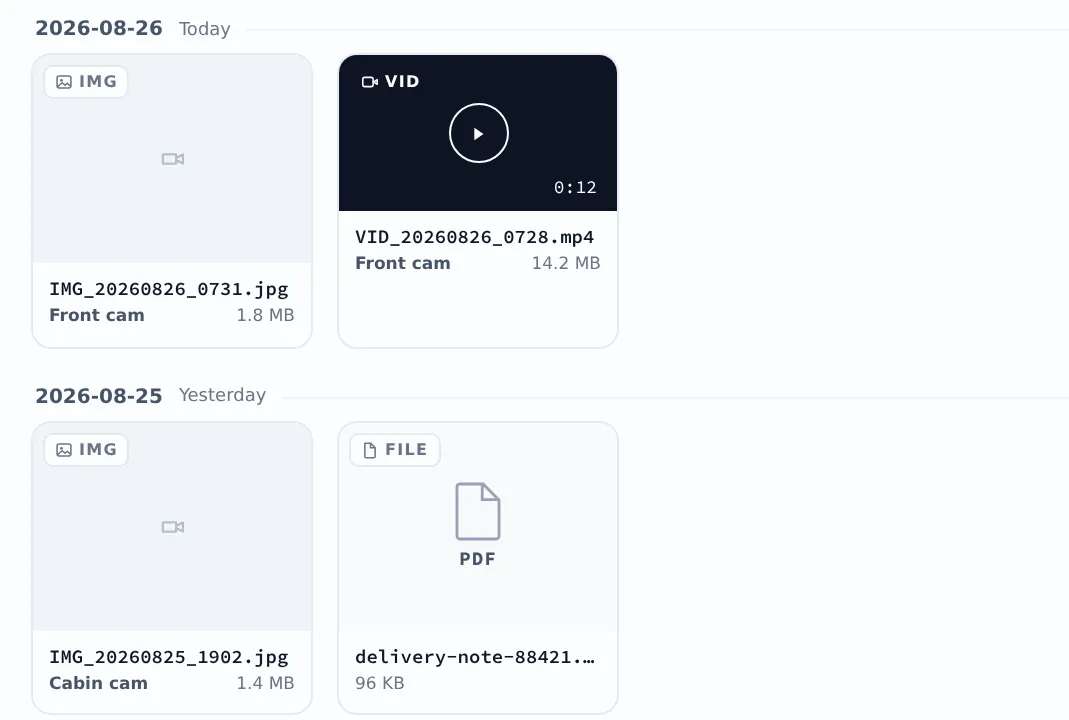
Ask the vehicle for a photo
If the vehicle has a camera set up, send it a take-photo command from the files window. If it has none, the window tells you instead of leaving you waiting. You can also upload the vehicle's own photo, and it appears in its panel on the map.
Documents with their expiry dates
Keep the vehicle's licence, insurance and periodic inspection, and your drivers' licences, in the fleet register, each with its file and expiry date. You get an e-mail before expiry, and a renewal reminder is created in maintenance.
- Upload many documents at once
- Choose your columns and export to CSV
- Renewal fees added to the vehicle's expenses
The platform reads the document for you
Upload a picture of a document and the platform recognises its type, reads its number, issuer, and issue and expiry dates, and links it to the vehicle or driver. Nothing is saved until you check it.
- A ZIP file or many images in one go
- A review table where you save the rows you choose
- A newer document is recorded as the renewal of the old one
The vehicle file: one page for everything
The vehicle file page gathers what the platform knows about a vehicle: its details, documents, tyres, maintenance, expenses and alerts, with a link to each. The file manager lists all your account's files in one place.
- Vehicle and driver documents
- Maintenance attachments
- Field-form photos and signatures
- Check-in and task photos
Frequently asked questions
Where do the photos and videos come from?
From a camera in the vehicle, such as a dashcam, connected to the platform. Its photos and videos arrive in the vehicle's files, sorted by day and camera.
Is this page useful if my vehicles have no camera?
Yes. Documents and their expiry dates, the vehicle photo and the vehicle file page work for every vehicle. A camera adds its photos and videos.
Are my documents saved before I check them?
No. The platform reads the document and fills in the form, and nothing is saved until you press “Save”.
Can I see fleet documents on my phone?
Yes. The client app shows the fleet register and its documents, according to your account's permissions.
Related pages
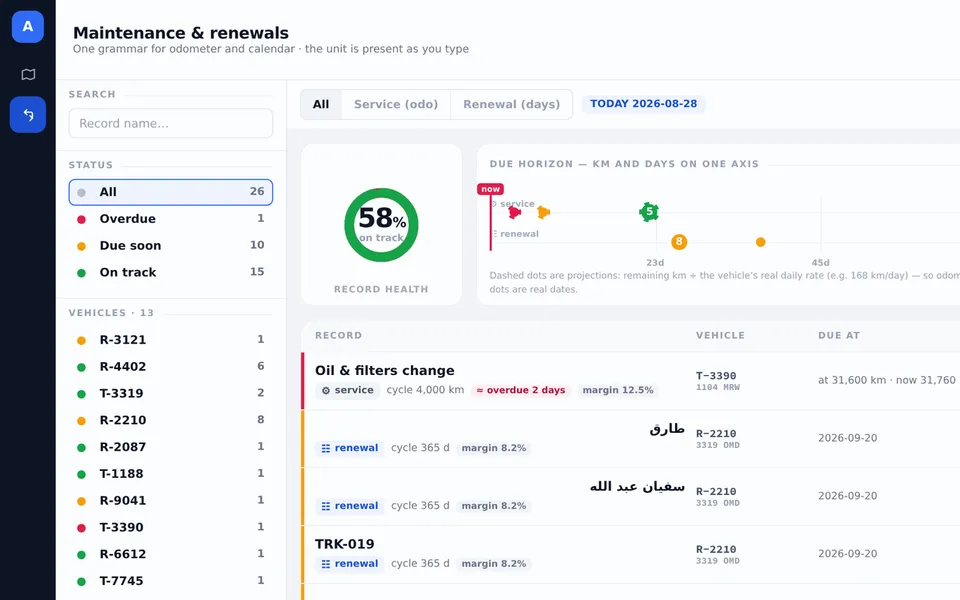
Maintenance and renewals
Service dates by kilometre, engine hour or day, licence renewals, and a log of the work done and its cost.
Learn moreBaseer and AI
Baseer answers your questions about your fleet in Arabic, reads your documents and sums up your day.
Learn more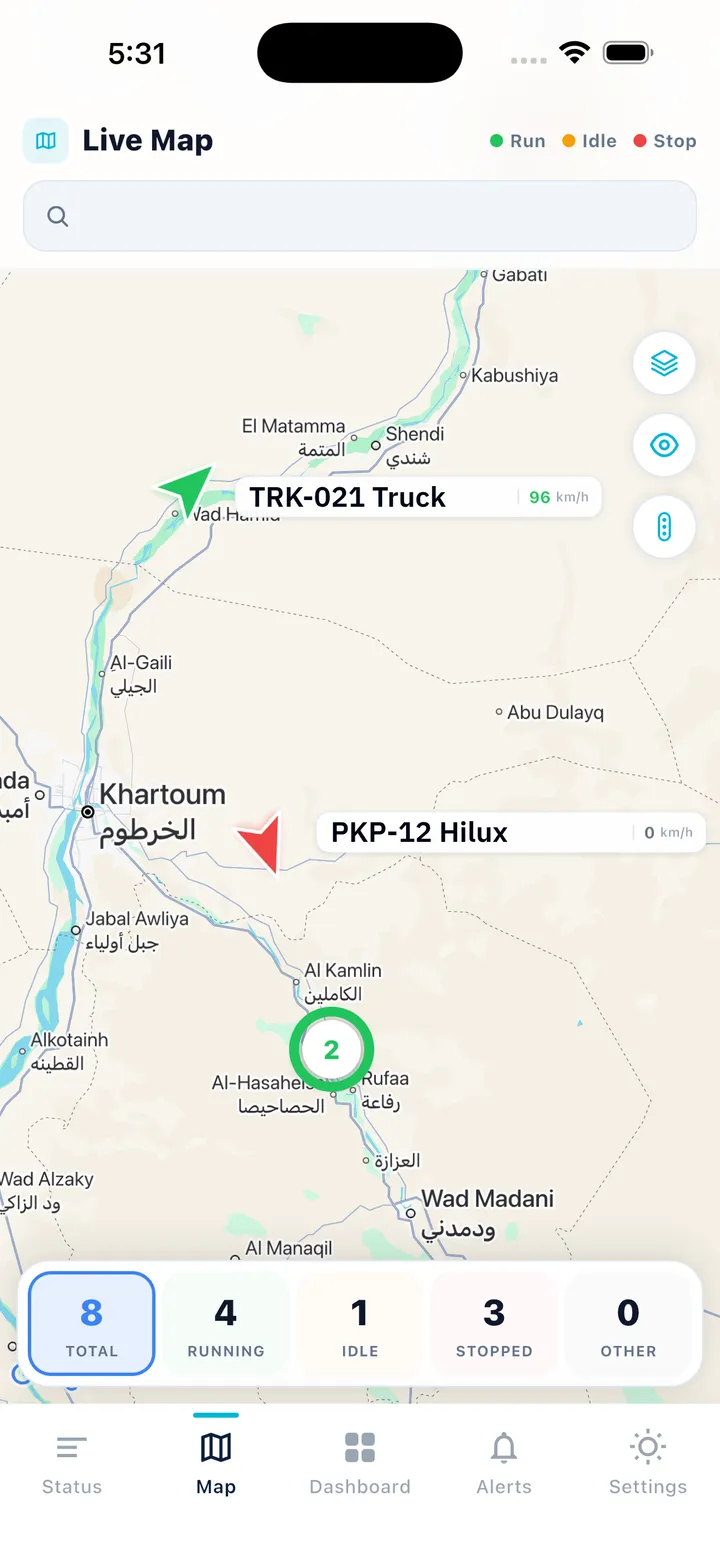
Apps
The Ayun app for iPhone and Android, a driver app, and a technician page with nothing to install.
Learn more


Book a demo of the platform on your fleet
We'll call you within one working day to set a time, then show you the platform on vehicles like yours.
We've received your request, and we'll call you within one working day.
Want a faster reply? Message us on WhatsApp +249 123 910 470